All tutorials
video16:9

Transparent Screen Video

How to create transparent object shot

Apps usedHiggsfield AI

FInal Video

Step 1 - Record a video

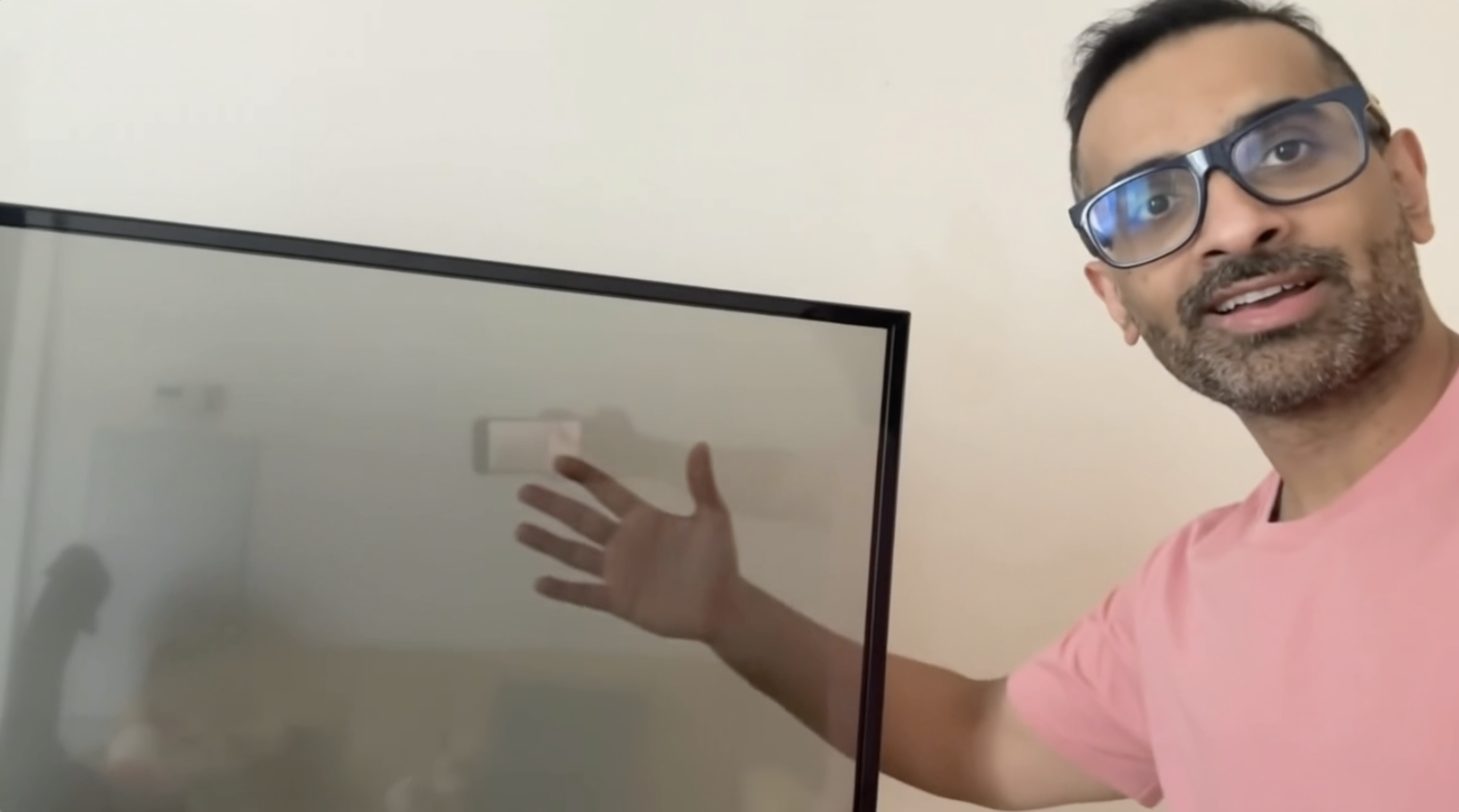
Record a video in a selfie style or with someone else holding the camera while you are the spokesperson in the video. One thing to pre-plan before you shoot is which object do you want to turn transparent when it is captured in the video? In my case, I selected the television screen to turn transparent, while you can select any other object as well. Even your car if you are shooting it outside.

Step 2 - Open Higgsfield

Now go to Higgsfield under the video tab. Select Google Omni Flash as the video model. - Upload the original footage that you recorded. - Give it a prompt (My prompt below) - Select the video ratio Click Generate.

$ My Prompt
In the @source_video when the subject shows the television and starts moving his hand behind the television, it converts into a transparent screen, and his hand is visible moving.
Try now

More tutorials